01 / UPLOAD
Choose your cast
Add one clear photo for each performer. Front-facing, even light and one person per image works best.
HotelLobbyAI is a web-based AI video generator for creators worldwide. Upload two photos, keep the iconic moves, and get a ready-to-share performance without an editing timeline or prompt engineering.

Use clear, single-person photos. You can replace either image before generating.
Your photos control identity and wardrobe while the motion reference preserves the timing, framing and gestures people recognize.


Add one clear photo for each performer. Front-facing, even light and one person per image works best.
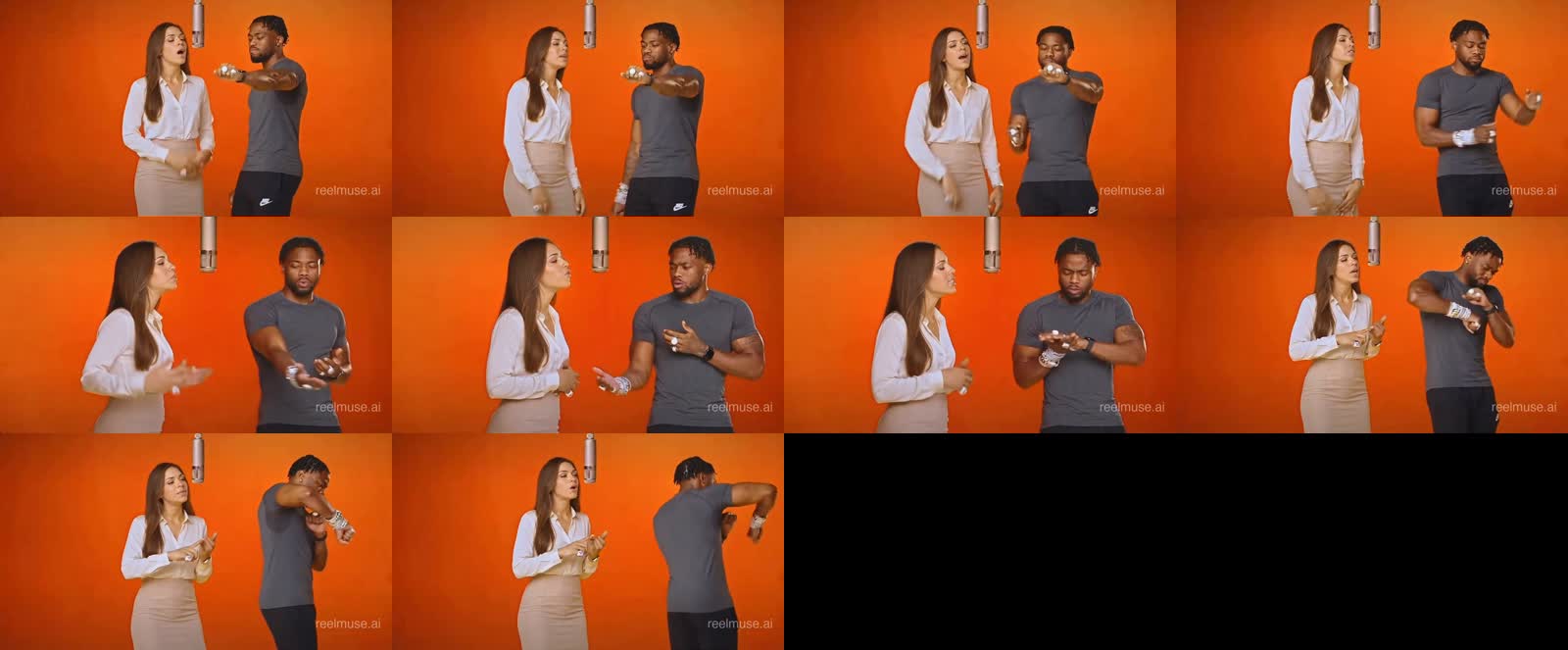
ReelMuse applies each identity to the correct side while preserving the signature Hotel Lobby movements.
Preview the result, download the MP4, or swap a photo and generate another take.
You can leave this tab. Your result stays linked to your ReelMuse account.
Your photos are still here. Add 280 credits with ReelMuse, then return to generate.
Use a photo of yourself, an original character, or someone who gave permission. Celebrity and copyrighted likenesses may be blocked.
The model needs enough identity detail to keep two people consistent through turns, hand gestures and changing angles.
Cropped portraits reduce ambiguity. Avoid group photos, sunglasses and hands covering the face.
The two roles have different movements. Put the person you want to emphasize in the more prominent position before generating.
If an outfit matters, use a reference where it can be seen clearly. The photo is the visual source of truth.
Upload yourself, original characters, or people who gave permission. Some celebrity or copyrighted likenesses are blocked.
It recreates the recognizable choreography and framing of the Hotel Lobby performance with new people or original characters.
Yes. HotelLobbyAI uses ReelMuse for secure sign-in, credits, payment, generation and order history, so you keep one account and balance.
Yes. Upload two different photos of the same person, or use the same original character for both positions.
You’ll see the reason and a next step. Confirmed failed tasks follow ReelMuse’s credit refund rules, and the page shows whether credits were returned.